
Case study
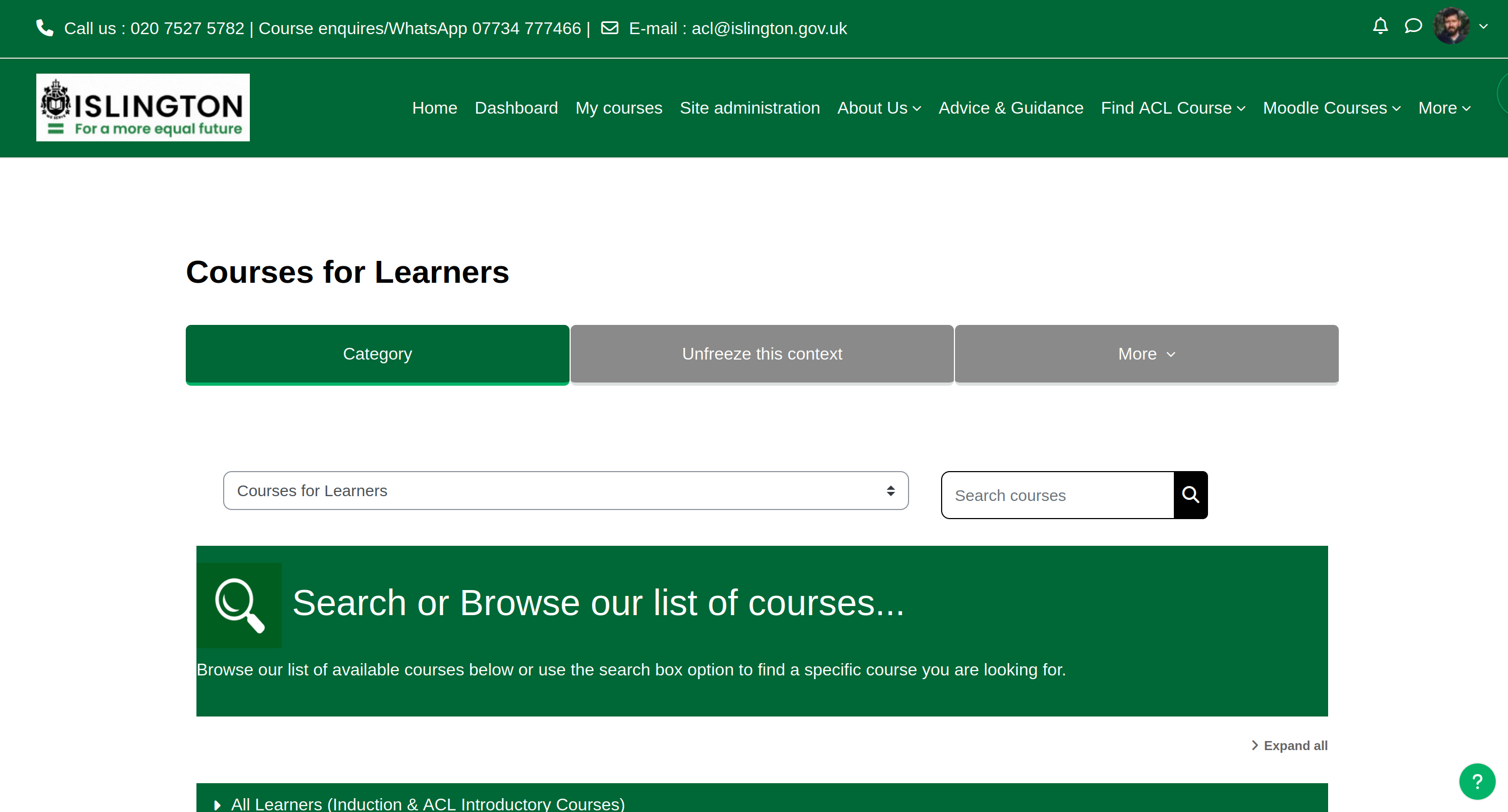
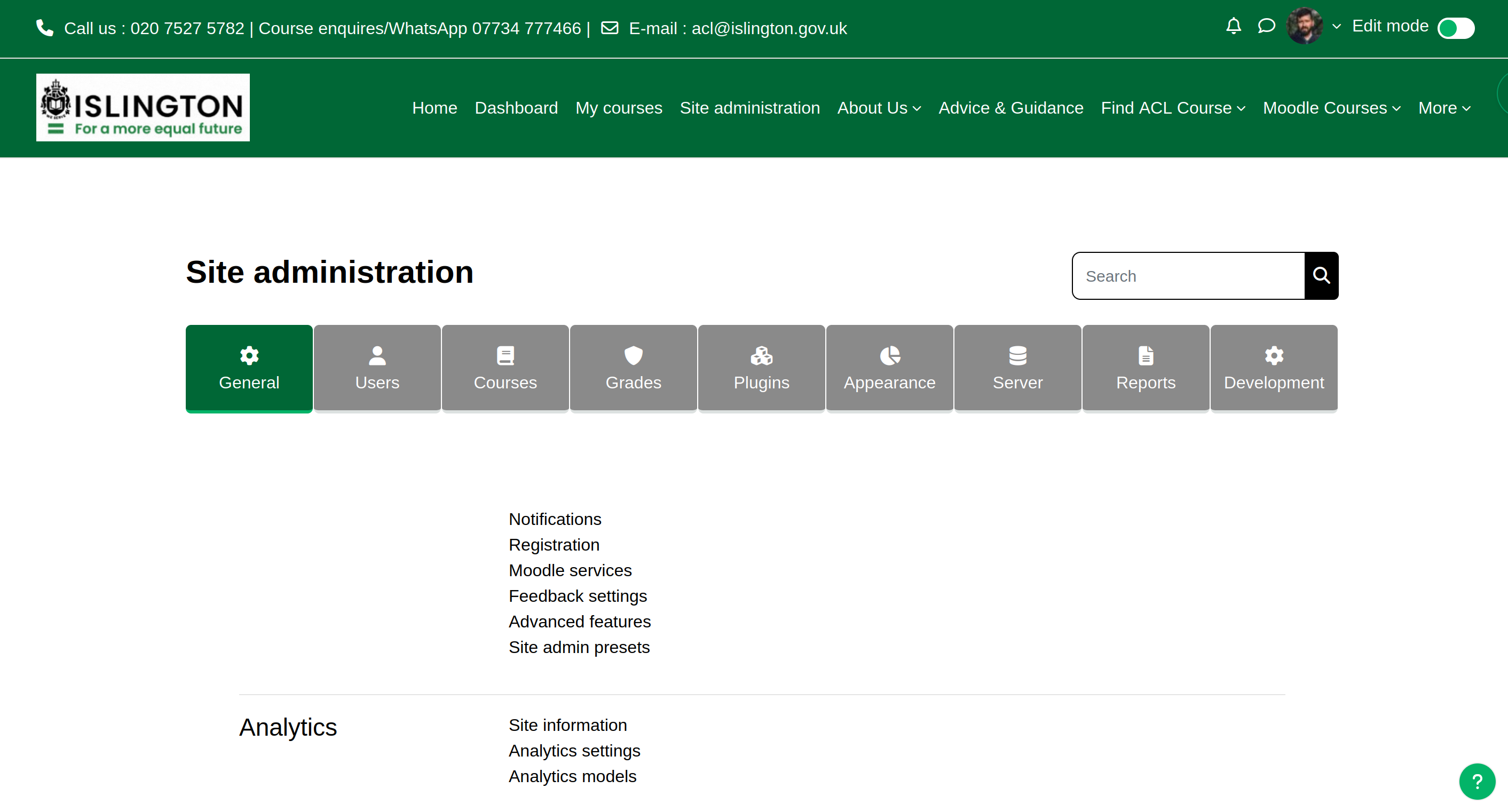
Managed Moodle for Islington Adult & Community Learning
Islington Borough Council's Adult and Community Learning service needed an online Virtual Learning Environment that felt approachable for residents and sustainable for overstretched tutors—without teams becoming accidental sysadmins.
Terrabase assembled a bespoke hosting footprint, coached the borough through templating so navigation feels intuitive for community learners, and keeps Moodle patched, observable, and easy to evolve as courses and enrolment patterns change.
How we collaborated
- Provisioned scalable managed hosting sized for bursts in digital adoption—especially when face-to-face delivery could not proceed.
- Collaborated with Islington stakeholders on templating so course pathways, typography, and signposting mirrored council communications standards.
- Remain the first responders for quirks, integrations, troubleshooting, upgrades, backups, and “how do we…?” questions from managers and tutors.
Outcomes that matter locally
- Managers devote energy to pedagogical improvements instead of patching servers.
- Learners see a calm, purposeful interface—with mobile-friendly cues where coursework happens on modest devices.
- Popular Moodle activities (forums, workshops, quizzes, media-rich modules) operate within a proactively monitored footprint.

Friendly support & extensibility
Educators seldom arrive with infra expertise—and they should not have to. We pair hosting rigour with patient guidance so teams can confidently build rich activities, troubleshoot learner access, or trial new Moodle plugins responsibly.
Keeping adult learning flowing
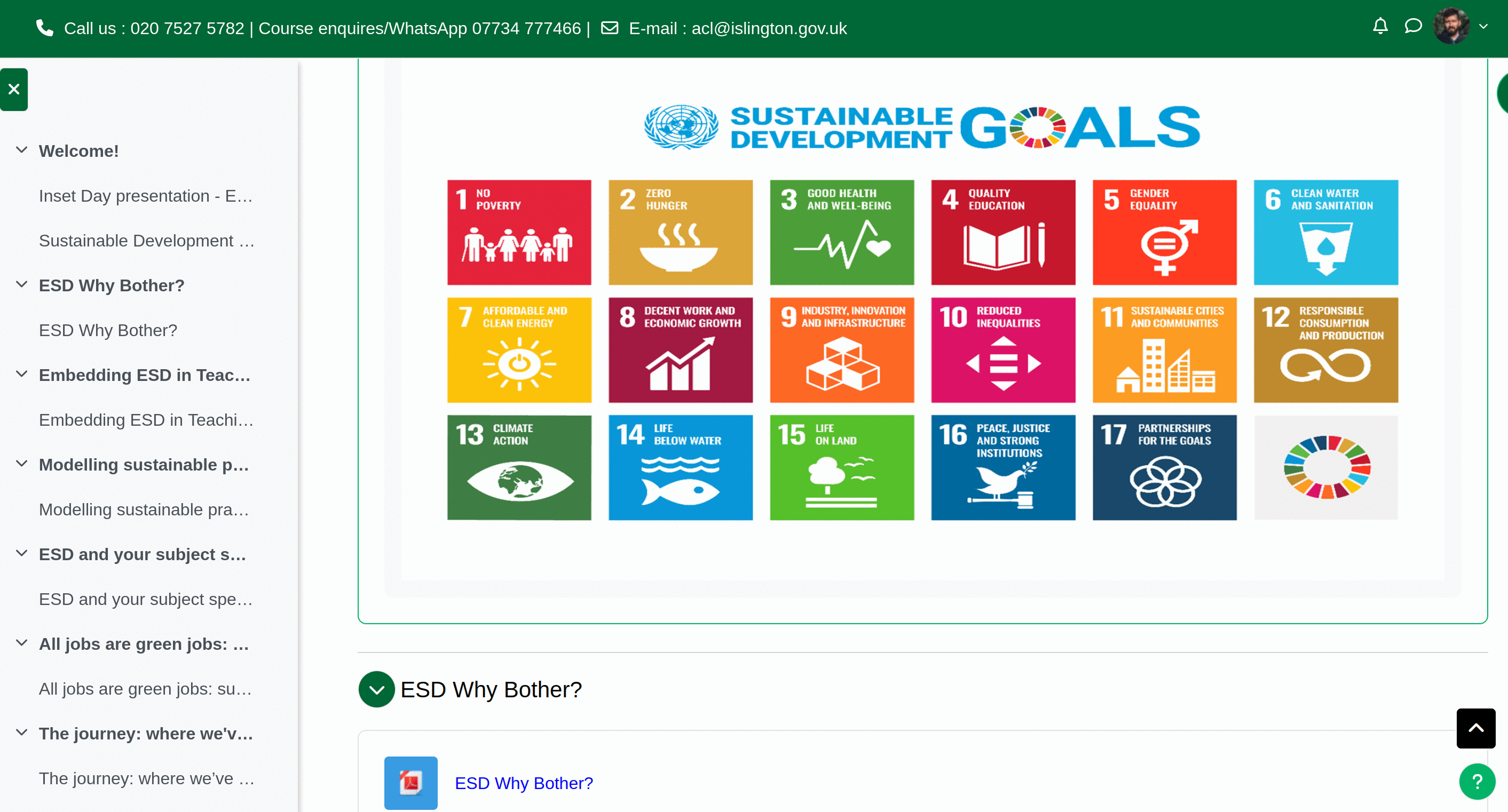
When campuses closed, Moodle became the auditorium, surgery waiting room briefing space, and reskilling corridor all at once. The same tooling now reinforces hybrid delivery—instant lecture recordings, repeatable micro-modules, facilitator collaboration spaces, analytics for widening participation KPIs—themes we help curate thoughtfully.

Security, patching, stewardship
Terrabase keeps Islington's Moodle on supported branches, reinforces backups & monitoring, advises on SSO or data-protection implications of new plugins, and keeps release cadence pragmatic for busy community learning teams—the platform stays fresh without surprise Friday-night fire drills.
What we'd explore first Week 1–2 discovery · data you already have · sign-off criteria
Managed Moodle work is stewardship as much as software. Early conversations focus on who keeps learning running day to day.
-
Weeks 1–2: Discovery
- Learner personas, tutor confidence levels, and where Moodle feels fiddly today
- Plugin and theme needs versus support capacity you actually have
- Release, backup, and incident expectations—especially before busy enrolment windows
-
Data you already have
- Course templates, enrolment patterns, and integration points already in play
- SSO or identity catalogues and data-protection constraints for new tools
- Historical tickets or outages that explain current caution
-
What “good” looks like for sign-off
- Supported branches with pragmatic patching—not surprise Friday-night fire drills
- Onboarding that community learning teams can sustain
- Clear ownership when something breaks during term time
This is illustrative of how we begin—not a fixed statement of work. Every organisation gets a written discovery summary before build commitments.